

Smart Tesla Key Ring Model3/Y/S NFC Access Control Lock Door Unlock KeyCards Ring Ceramic Men and Women (White, US#7)
Product details
| Management number | 209139826 | Release Date | 2026/03/29 | List Price | $28.00 | Model Number | 209139826 | ||
|---|---|---|---|---|---|---|---|---|---|
| Category | |||||||||
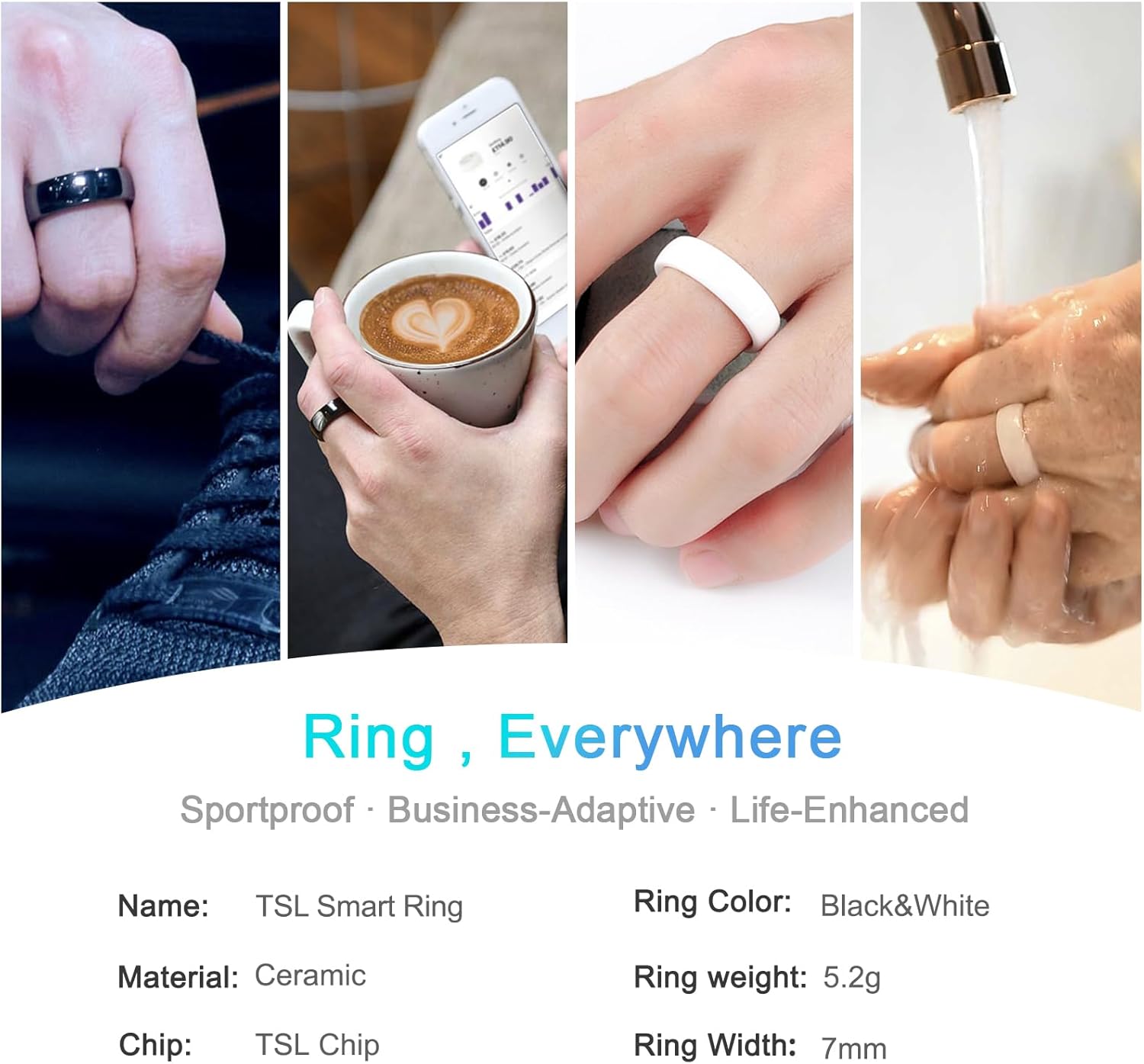
⭐Notes⭐◆How to Activate Tesla Ring?1. Tap the little vehicle button in the lower-left corner of your screen.2. Tap "locks".3. Tap "+" your tesla model 3 or Model Y screen will show "add a phone key" or "add a key fob or key card".4. Put the smart key ring on center console area where you put your key card.5. The screen will show "tap existing key card to approve", then remove key ring and put your key card;◆Although this ring has certain waterproof and anti drop properties, try not to let it soak in water for a long time and avoid frequent bumps.⭐Product Parameters⭐ 【Product Name】Tesla Smart key RingMaterial: Zirconia CeramicColor: Black&WhiteWidth: 7mmFitment:Tesla Model 3/Y and Model S/ X vehicles produced in 2021+Battery: Passive device with no battery
- 【RFID chip】The ring is equipped with a Tesla keycard chip. It can perfectly match your Tesla Model 3/Y and Model S/ X vehicles produced in 2021+. The security level of this ring is the same as that of a Tesla keycard.
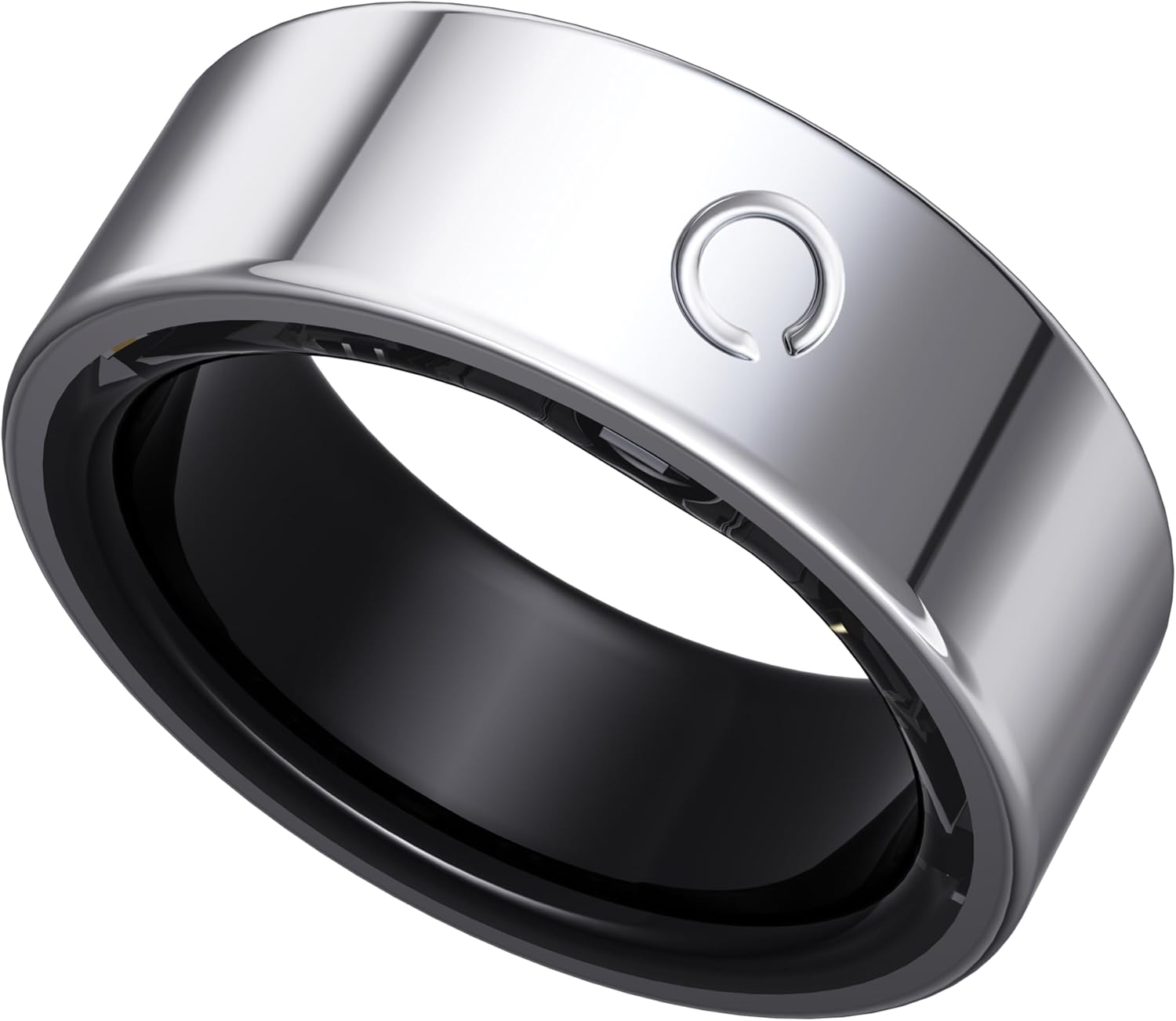
- 【Ring Material】The ring is designed with zirconia ceramics . Not just access cards, but also a part of fashionable dressing.
- 【Product Advantages】2-3cm card swiping experience, seamless card swiping without removing the ring. No more keys needed.
- 【Usage】The ring does not require a power source to work. If your phone is turned off and you do not have a card key, you can easily enter your car by lifting your hand and using the smart ring.
- 【Applicable scenarios】Not only for daily life, sports, and leisure wear, but also as a gift for Father's Day, Mother's Day, Christmas, weddings, birthdays, and parties.
| Brand | NEXUVELL |
|---|---|
| Color | White |
| Shape | Round |
| Style Name | Minimalist |
| Display Type | No Display |
| Operating System | No os |
| Band Material Type | Zirconia Ceramic |
| Compatible Devices | Smartphone |
| Additional Features | Vehicle Access (RFID/NFC) |
| Age Range Description | Adult |
| Communication Feature | NFC |
| Supported Application | Tesla Vehicle Access |
| Water Resistance Level | Water Resistant |
| Wearable Computer Type | Smart Ring |
| Compatible Phone Models | Tesla Model 3/Y and Model S/X vehicles produced in 2021+ (iOS or Android) |
| Connectivity Technology | NFC |



Bestseller ranking
Rings


Customers who viewed this product also viewed
Common Nails


Correction of product information
If you notice any omissions or errors in the product information on this page, please use the correction request form below.
Correction Request Form